Attract more visitors to my website for no more than ₹... per month.



I hope you enjoy reading this article. If you need support with SEO, Google Ads, Facebook Ads or Landing Pages click on the link.
With Google AdWords (now called Google Ads), you can advertise on the various Google networks. As you know, Google is the world's largest search engine, and almost all search queries are performed through it.
You can take advantage of this popularity by using their network to advertise. You do this with the Google Ads program. Google is not just a search engine; it also has millions of partner websites and apps where your ad can be shown. You can imagine how huge the reach is and what the possibilities are.
Google Ads is not an easy program, but with good preparation, anyone can set up a successful campaign. Here, we'll give you the information you need before you start.
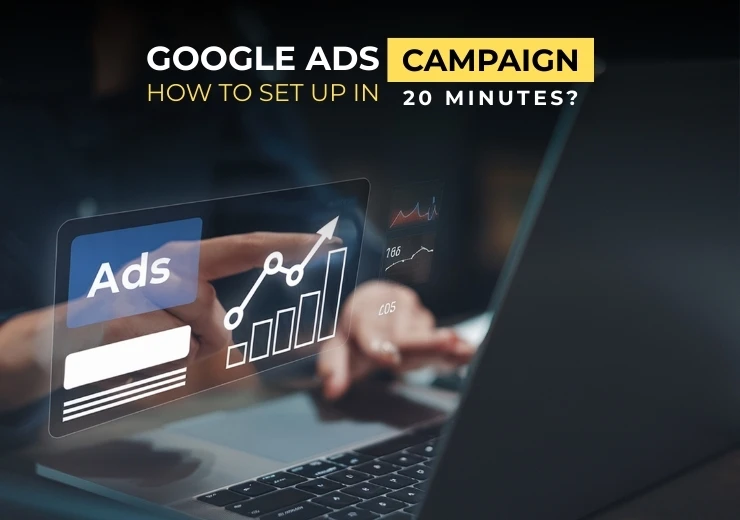
With that knowledge, you can use our step-by-step plan to start a campaign you'll be proud of in just 20 minutes. This article takes about ✅ 10 minutes ✅ to read, and after that, your Google Ads career will be off to the best possible start.
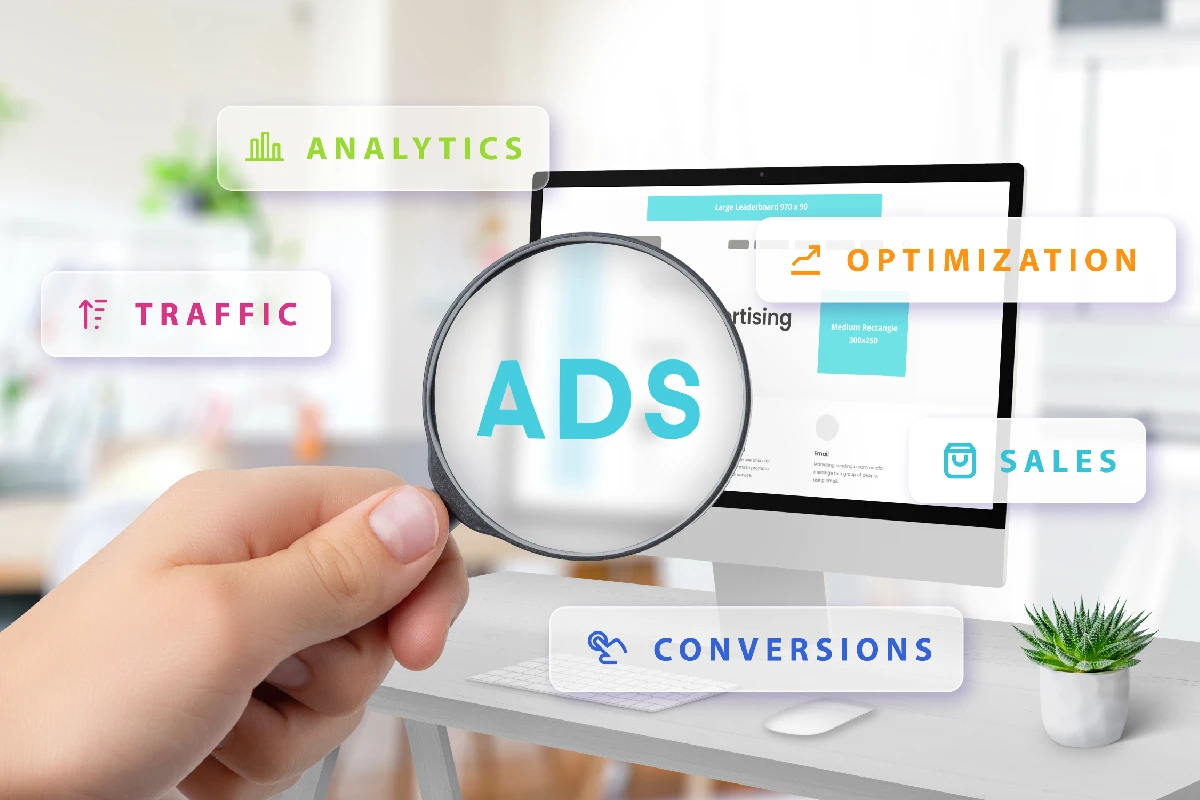
It's good to start with some background information. Google Ads is the program you use to advertise on the entire Google network. You can do this in different places and with different types of ads.
Google offers two main places to advertise: the Google Search Network and the Google Display Network.
The Google Search Network is familiar to everyone. It's the page where internet users begin their search for information. You enter a search term, and Google gives you a list of results that it thinks contain your answer.
When you advertise on the Google Search Network, your ad appears when a specific keyword is entered. You decide what this keyword is, and of course, it's important that it matches what you're advertising.
If your ad for summer dresses appears when someone is looking for a shoe store, you're unlikely to get a good response.
The big advantage of advertising on the Google Search Network is that you attract users who are already looking for your product, service, or information. This gives you a big head start, because there's a higher chance they'll click on your ad than if they just saw it randomly.
One thing to keep in mind is that the competition is high, and setting up a solid campaign is essential for success.
If you advertise on the Google Display Network, your ad will be shown on the 2 million websites, hundreds of thousands of apps, and Google programs (YouTube, Maps, etc.) that Google manages.
These are the familiar banners, video ads, and image ads that you've undoubtedly encountered during your time on the internet.
This is a completely different way of advertising, because you're not attracting visitors who are already looking for you. Here, you primarily focus on your target audience and reach users with the right age, gender, location, and interests. This is also how you do remarketing.
For example, imagine someone has searched for flights to Canada but never booked them. If you're a travel agency that sells flights to Canada, your ad will be shown to this person. Advertising on the Google Display Network is often cheaper and has a lot of potential. On the other hand, it can be seen as "intrusive" if not done well.

Google Ads definitely offers great possibilities, and if you do it well, you'll attract a lot of visitors to your website. It's not a good idea to just log in and set up a campaign in 20 minutes, because without the right background information, it's almost impossible.
That's why good preparation is essential. So, grab a pen and paper (or sit down at your computer) and ask yourself what your goals are, what your budget is, how much you want to spend relative to the extra revenue you generate, how long your campaign should run, what ad types you want to use, and which target audience or keywords you want to focus on. All of these points need more explanation.
First, it's important to think carefully about your goals. "Attracting more visitors to my website" is not enough.
A good goal often has two or more components and sets the boundaries within which you'll work. A good goal is also always measurable, and you give yourself targets to hit. A few examples of good goals are:

Attract more visitors to my website for no more than ₹... per month.
Increase my brand visibility for no more than ₹... per month or ₹... Cost Per Mille (CPM, explained later).
Increase your conversion rate for no more than ₹... per conversion.
Achieve the highest possible revenue with a Return On Ad Spend (ROAS) of 4:1.
It is, of course, possible to have multiple goals. In that case, it's wise to set up different campaigns for each goal. It's much easier to focus on one specific ad campaign on one goal than to try to achieve multiple goals at once.
So, you take one of your goals and set up one or more campaigns for it. You do this for each goal you have. This way, you keep it simple, measurable, and it's easier to adjust your campaigns.
Now that you know what goals you want to use, it's time to set your budget. It's helpful to know more about the payment methods Google uses. There are three different ways you can pay, and you set them yourself.
The method you use depends on the type of ad you're placing and the network you've chosen.
The most well-known payment method for Google Ads is the CPC method, which is used on the Google Search Network. You pay a certain amount each time someone clicks on your ad and lands on your website.
It's very important that you think carefully about the CPC amount you enter, because Google uses this to determine ad placements. The ad placement is essentially an auction. By using a keyword tool like Ubersuggest, Keyword Planner, or Keywords Everywhere, you can get information about the CPC of a related keyword.
When you advertise on the Google Display Network, the CPM method is used. You pay a certain amount for every 1,000 times your ad is shown. You set this amount yourself, but here, too, the ad placements go to the advertiser who bids the highest.
Only the most experienced Google Ads users use the CPA payment method. You indicate how much you are willing to pay Google when someone not only clicks on your ad but also performs an action, which could also be called Cost Per Conversion.
After you've set your budget and know how much you can afford for Google Ads each month, you also need to determine what you want in return for that money. If you spend extra money on advertising and it doesn't lead to extra revenue, the campaign is worthless.
In this step, you decide how much profit you want to make from advertising on the Google networks, which is usually expressed as a ratio. The ROAS (Return On Ad Spend) is a great metric here. A good ROAS is 4:1, which means that for every ₹250 you invest, you get back ₹1000 in revenue.
It's smart not to stop too soon, because the longer your campaign runs, the more data you get back from Google and the better you can fine-tune it.
If you're advertising a seasonal product, the campaign duration will be different than if you're a restaurant that wants to attract customers all year round. The most important thing here is not to set the duration too short. You can always stop your campaign early if it doesn't deliver the results you've set in your goals.
It's also a good idea to decide what type of ad you want to place. You have a wide choice, and not every ad is suitable for your goals.
Most people who use Google Ads advertise on the Google Search Network. This is done with text ads that are shown above the search results.
The Google Display Network primarily uses image ads. These consist of a photo or a video with text and/or sound.
A Google environment we haven't covered yet that is interesting for webshop owners is Google Shopping. This is a product platform where Google users can search and get a summary of what the entire internet offers them. You can upload all your products pretty quickly, and they are then shown with a photo and specific product information.
Through Google, you can also set up a remarketing campaign. You only show your ads to users who have already shown interest in your product or a similar one but haven't purchased it yet. If you do this well, you'll reach an audience that only needs to be pushed over the finish line.
The ad types above are the most common, but Google also offers other options. For example, there's the Branded Search ad, where you don't advertise on a search term but on your own brand or company name. There's also the Gmail Sponsored Promotion option, which lets you advertise within Gmail.
As a final point to consider before we move on to creating your campaign, you need to determine your target audience if you want to advertise on the Display Network and the keywords you want to be found for on the Search Network.
Target Audience : A good target audience is complete but specific. You can choose a different target audience for each ad, which is a good thing.
Keywords : Just as you choose keywords for your website pages, you must also choose keywords for your ads. The same rule applies: high usage and low competition. It's much harder to get an ad spot when you have to fight 20 others for it than when there are only 8. So, take the time to see where your opportunities lie and take advantage of them.

With all this information on hand, it's time to get started with Google Ads. The following step-by-step plan will help you do this as quickly and effectively as possible.
Of course, you need a Google account to work with Google Ads. Many people already have one, but if you don't, go to https://accounts.google.com. Then use your Gmail address and password to log in at https://ads.google.com
After you log in for the first time, the wizard will guide you through a few steps. For example, you'll link your website directly to your account and set up your billing information.
Every campaign begins with selecting the right settings. And if you've prepared well, you should have this information on hand. Indicate which network you want to use, the location where you want to advertise (if you work regionally), the devices on which your ads can appear (mobile devices are not suitable for a website that isn't responsive), and the language.
Every ad campaign consists of multiple ads. If you have an online clothing store, for example, you'll set up ads for "pants," "sweaters," "T-shirts," "accessories," and so on. In the campaign for pants, you'll then set up "leggings," "shorts," "skinny jeans," "men's pants," etc.
You've divided your campaign into groups, and now you can fill in the ads. Choose the type of ad you want to use, write a good text, choose clear and attractive photos and videos, and fill everything out. Don't forget to add extensions, like a link to a specific page, a call button, or location details. This makes your ad more user-friendly and therefore more attractive to Google.
Review everything you've entered one more time, and then you can publish your campaign. It's helpful and recommended to link your Google Ads account to Google Analytics as well, so you can analyze, monitor, and adjust your campaigns.
You have now set up a campaign, and hopefully, this is the beginning of a very successful partnership with Google Ads.

The step-by-step plan above tells you how to set up a campaign manually in 20 minutes. Google Ads also includes tools that can automate this, allowing you to complete your campaign even faster.
The disadvantage of these options is that you no longer have full control, but perhaps you feel comfortable with that. The Dynamic Search Ads and Google Express campaigns are options to consider.
If you choose the Dynamic Search Ads option, you let Google create an ad for you. A condition for this option is that your website must contain more than 100 well-populated pages. Google will visit these pages and create a number of ads based on what it finds.
When you set up a Google Express Campaign, you hand over the management of your campaign to Google. In most cases, you'll have a campaign set up within 15 minutes. You indicate how much you want to spend daily, and Google ensures that this amount averages out monthly.
It's great if you can set up a campaign in 20 minutes. But it's more important to set up a successful campaign than to do it as quickly as possible. So, if it takes you 30 minutes or an hour, that's fine, as long as you make sure you make a profit with your campaign.
Also, keep in mind that after you set up the campaign, it needs some time to start running. So don't turn it off after a few days; let it run and monitor the progress. You will quickly see that it gets better and you get more out of it. Check your goals regularly and measure whether they are being met.
At Ranking Masters, we are happy to set up your Google Ads Campaign for you. We do the preparation ourselves and use our SEO Surfer tool. This tool examines all aspects of your company and website, as well as those of your competitors, and can effectively pinpoint where you can make gains.
We then set up your campaigns, including ads, and choose the best settings to make them a success. Outsourcing your Google Ads strategy saves you a lot of time. Plus, you know it will get off to the best possible start.
Contact one of our specialists to discuss this further, and we'll get to work for you quickly.
Google Ads Services: We create highly targeted ad campaigns that put your business in front of the right audience at the right time. From keyword research to ad copywriting, our specialists design and manage campaigns that maximize clicks, leads, and sales. With smart bidding strategies, continuous optimization, and detailed performance tracking, we make sure every rupee of your ad spend brings measurable results.


Let our experts turn your goals into real results.

ⓒ Copyright 2026 . All Rights Reserved By ANA Digital Media