



I hope you enjoy reading this article. If you need support with SEO , Google Ads , Facebook Ads, or Landing Pages, click on the link.
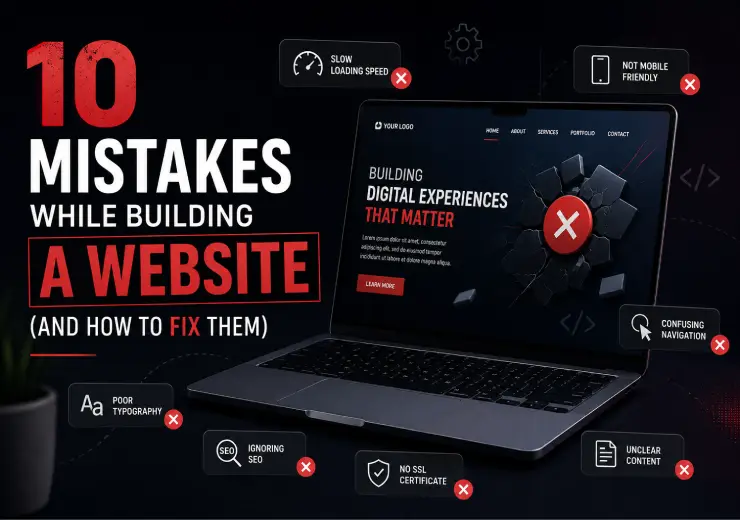
When I built my first website, I thought "done" meant "good." It didn't. I made almost every common mistake while building a website — from ignoring mobile visitors to launching without testing — and it cost me traffic, leads, and two rebuilds.
Key takeaway: the three mistakes while building a website that hurt the most are slow load speed, no mobile optimization, and a homepage that doesn't say what you do. Fix those first.
If you're about to build your first website, or you already have one that isn't performing, this post will save you the weeks I lost fixing my own mess.
Here are the 10 mistakes, in the order I made them, and exactly how to fix each one.
| No. | Mistake | Where It Hurts You | Fix Difficulty |
|---|---|---|---|
| 1 | No mobile optimization | Visitors, rankings | Medium |
| 2 | Slow loading speed | Bounce rate, SEO | Medium |
| 3 | Weak or missing CTAs | Conversions | Easy |
| 4 | Ignoring SEO basics | Search visibility | Easy |
| 5 | Cluttered navigation | User experience | Medium |
| 6 | No backups | Business risk | Easy |
| 7 | Skipping analytics | Growth decisions | Easy |
| 8 | Poor contrast/fonts | Readability, trust | Easy |
| 9 | No clear USP on homepage | First impression | Medium |
| 10 | Launching without testing | Everything | Medium |
I built the desktop version, admired it, then squeezed it onto mobile as an afterthought. Buttons overlapped. Text ran off the screen. Over half my visitors were on phones, and I'd designed for the smaller group.
The fix: Design mobile-first, not desktop-first. Start with the smallest screen and build up. Test every page on an actual phone before you call it done, not just your browser's "mobile preview" mode. See our mobile-first website development service if you'd rather this be handled for you.
My homepage took almost 7 seconds to load. Most visitors leave after 3. I'd uploaded full-size camera photos straight from my phone; some were 8MB each.
The fix: Compress every image before uploading (aim under 200KB where possible). Use modern formats like WebP. Avoid heavy animations and unnecessary plugins. Google PageSpeed Insights will show you exactly what's slowing you down.
My "Contact Us" button was the same grey as the background text. Nobody clicked it because nobody noticed it. On some pages, I forgot to add one at all.
The fix: Every page needs one clear next step. Use a contrasting color, action-driven text ("Get a Free Quote" beats "Submit"), and place it above the fold, not just buried at the bottom.
I wrote pages the way I'd talk to a friend, with no thought to what people actually search for. No headings structure, no meta descriptions, image files still named "IMG_4021.jpg."
The fix: Use one clear H1 per page, structured H2/H3 headings, descriptive image alt text, and a meta description for every page. Basic on-page SEO takes an afternoon and pays off for years. If you want this done properly, our SEO service covers exactly this.
I had 14 items in my main menu because I wanted to showcase everything. Visitors couldn't find anything, including the one page I actually wanted them to see.
The fix: Keep your main navigation to 5-7 items maximum. Group related pages under dropdowns. If a visitor can't find what they need in two clicks, your menu is too complicated.
Six months in, a plugin update broke my site. I had no backup. I lost two weeks of content and had to rebuild pages from memory.
The fix: Set up automatic weekly backups from day one; most hosting providers offer this, or use a plugin if you're on WordPress. Store at least one backup off-site, not just on the same server.
For the first three months, I had zero data. I didn't know which pages people visited, where they dropped off, or if my "Contact" page even got traffic.
The fix: Install Google Analytics and Google Search Console before you launch, not after. You can't fix what you can't measure.
I picked a stylish font with low contrast against the background because it "looked modern." It looked modern and unreadable.
The fix: Use dark text on a light background (or vice versa) with strong contrast. Stick to 1-2 fonts sitewide. Body text should be at least 16px for comfortable reading.
I opened with a vague tagline instead of explaining, in plain words, what my business offered and who it was for. Visitors left within seconds because they weren't sure they were in the right place.
The fix: Your homepage headline should instantly answer: what you do, who it's for, and why it matters. Save the clever branding language for later in the page.
I hit publish without checking every link, every form, and every browser. A broken contact form sat live for two weeks before someone told me.
The fix: Before launch, test every link, every form submission, and every page on Chrome, Safari, and at least one mobile device. A 30-minute checklist catches most launch-day disasters.
Not all mistakes cost you equally. Here's how they stack up by impact on business growth:
Speed, mobile experience, and a clear homepage message are the three that hurt the most, fix those first if you're short on time.
Every one of these mistakes came from the same root problem: I built the site for myself, not for the person visiting it. Once I started asking "what would a first-time visitor need here?" instead of "does this look good to me?", everything else, speed, navigation, CTAs, got easier to fix.
A website isn't a design project. It's a tool that either helps a stranger trust your business in the first 10 seconds, or loses them. Build for that.
Related reading: responsive website design basics, on-page SEO for beginners, and website launch checklists — all covered above, and all worth their own deep-dive if you're building your first site.
Building a website that actually converts takes more than avoiding these 10 traps, it takes strategy, structure, and testing most first-timers don't have time for.
At ANA Digital Media, we build websites that are fast, mobile-first, and designed to turn visitors into customers from day one.
Get a Free Website Audit - we'll show you exactly what's costing you visitors, at no cost.


Let our experts turn your goals into real results.
ⓒ Copyright 2026 . All Rights Reserved By ANA Digital Media